Share Bright Minds
All current public marketing handouts are listed here. Open a handout to read, print, or save it as a PDF using your browser's print dialog.
The tutoring flyer includes current school tutoring rates and policies. Other handouts introduce programs being planned. No handout reserves a place or confirms an appointment; contact Leslie to discuss availability.
Grades 7–12 · Boise
Science tutoring flyer
Personalized instruction with Leslie Nichols.
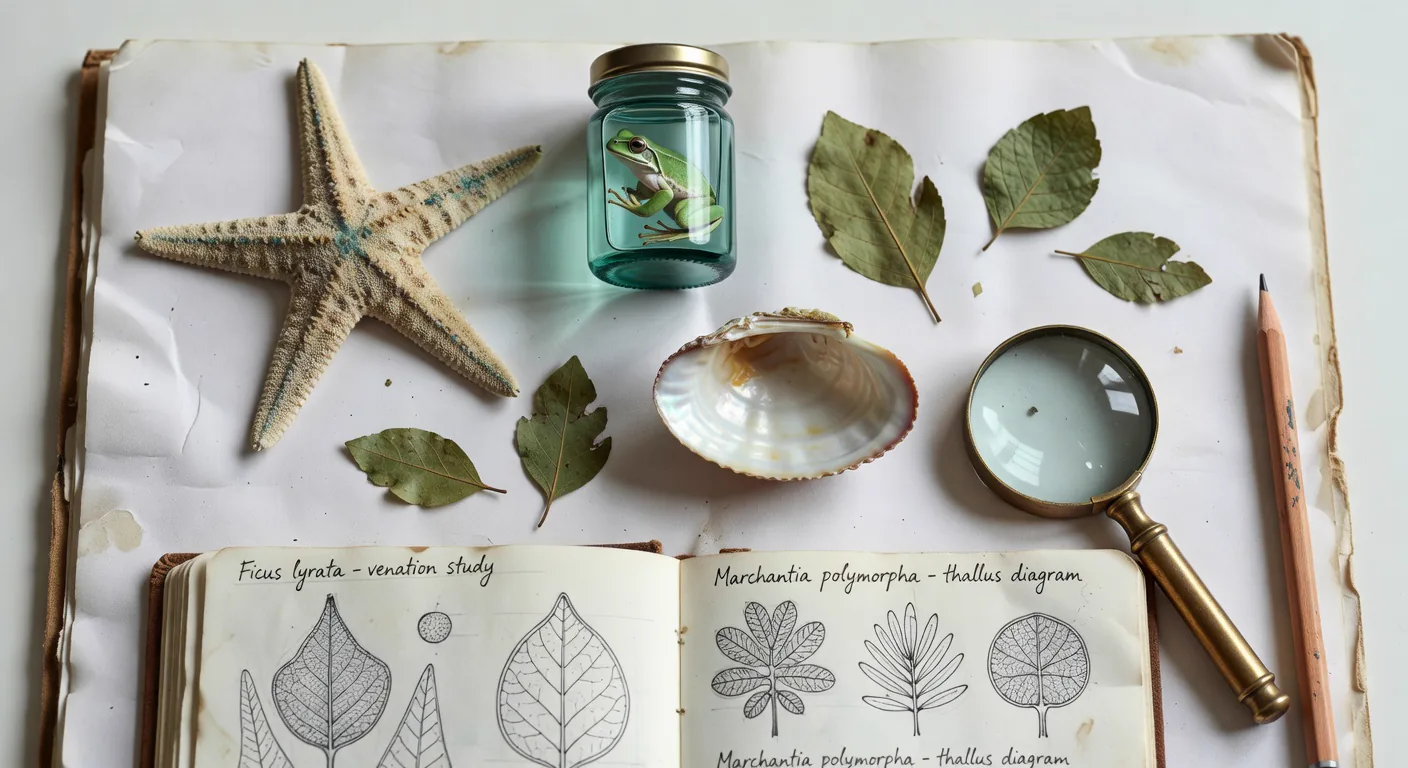
Tri-fold overview
Program brochure
An introduction to Leslie, science enrichment, A&P/pre-health preparation, possible instruction formats, and conversations with schools and co-ops.
View or print brochure
Two-sided letter landscape; folds to three panels.
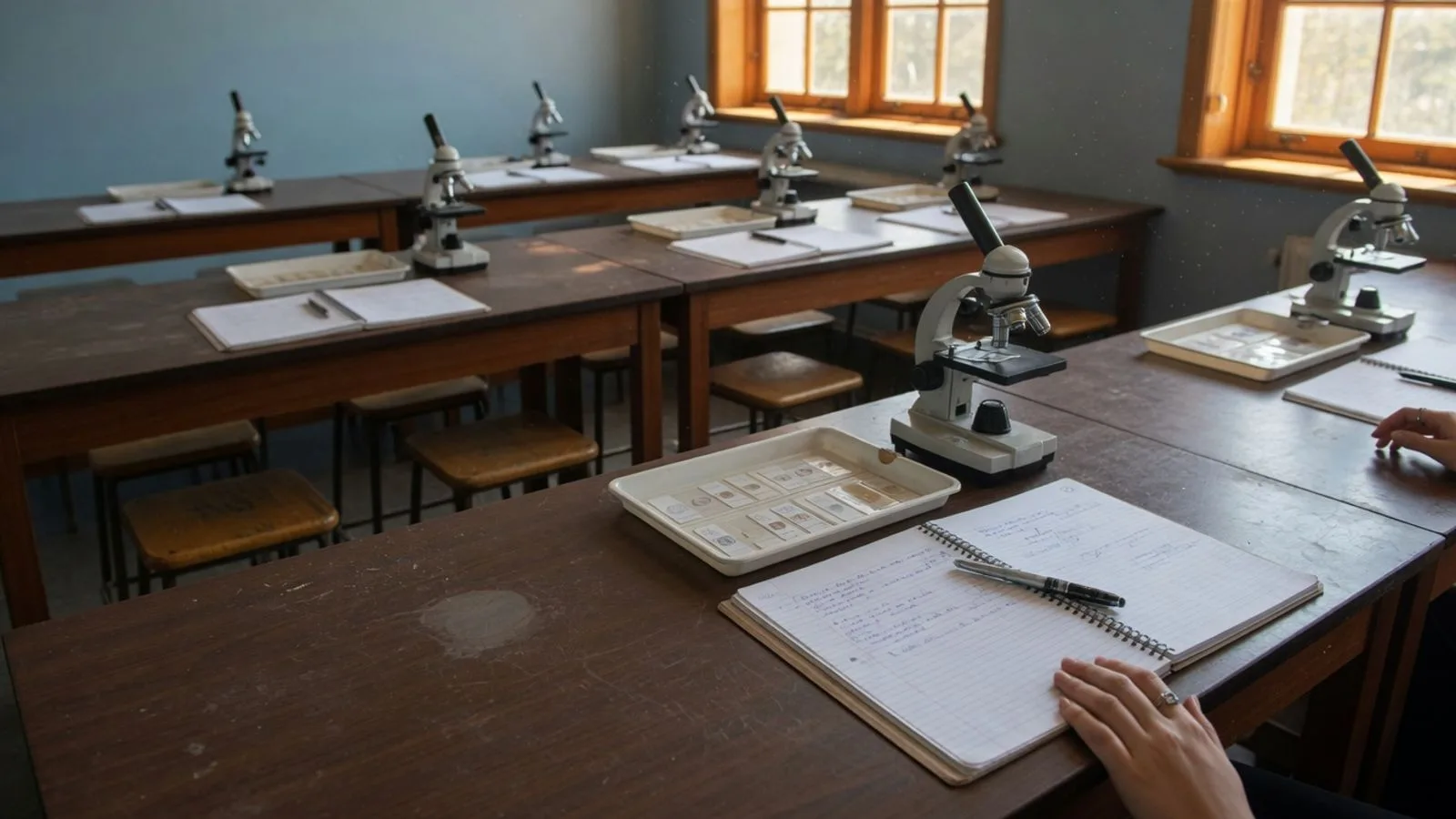
One-page overview
Science learning interest flyer
A short introduction for curious students and future health-science learners. Share the options with families, schools, and co-ops.
View or print program flyer
One page, letter portrait.

Summer interest
Summer workshop interest flyer
Invite families to share summer science interests and availability. Dates, duration, location, group size, and fees will be planned later.
View or print summer flyer
One page, letter portrait.
Printing or saving a PDF
Open a handout and use its print button or Ctrl+P (Command+P on a Mac). Choose Letter paper, 100% scale, and no margins. Turn off browser headers and footers. Enable background graphics for the program and summer handouts; the tutoring flyer also works without them. Choose a printer or Save as PDF. Print the brochure in landscape on both sides, using short-edge binding before folding.